Posts about WordPress Block Editor
The block-based content editor for WordPress—phase 1 of the “Gutenberg” project—was released at the end of 2018; the site editor was added in January 2022.
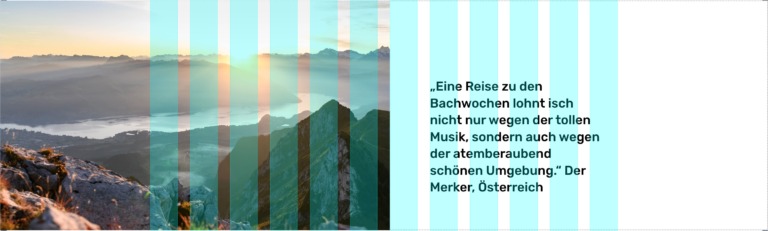
Overlapping elements with CSS grid
Published in
Using CSS Grid to overlap two rows and allow a content image to “break out” of the text container.

Block Variations for WordPress Gutenberg
Published in
WordPress’ block editor “Gutenberg” allows us to register custom block styles for a particular block. But since WordPress 5.4, we can use Block Variations to add other presets with different default settings.
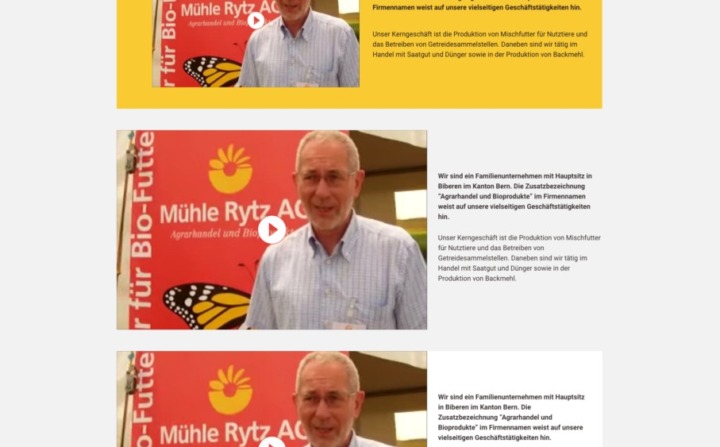
Delivering mockups for WordPress Gutenberg
Published in
How to mock up a website design when every page can be built individually and controlled completely by the editorial staff.
Since the release of WordPress 5.2, authors and editors can put together their own reusable content components without needing to do any programming work. This is thanks to a powerful combination of Reusable Blocks and the Group Block.
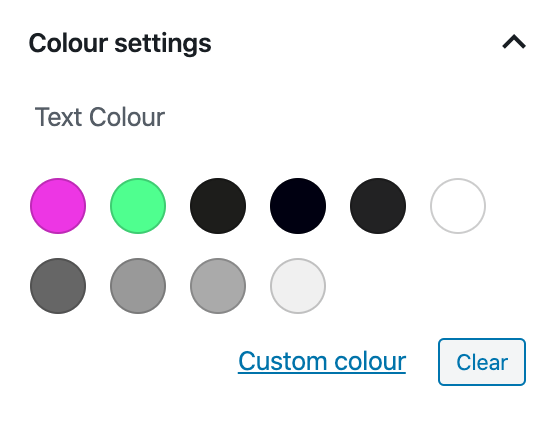
Using CSS variables through the WordPress Theme Customizer to make custom colour schemes in the Gutenberg Editor.
WordPress’ Gutenberg Editor allows you to do much more than create and edit content in a single content column.
Creating a single-width Gutenberg block
Published in
How to create your own Gutenberg block with only a full or wide alignment option, instead of the usual possibilities.
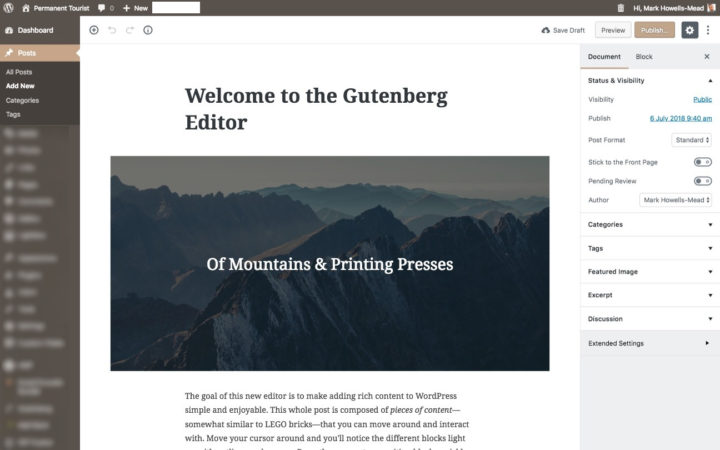
WordPress’ Gutenberg editor
Published in
The major update of WordPress, scheduled for this year, will contain a brand-new and much-improved editor.
